Online mortgage payments
Schedule a one-time payment using chase.com or the Chase Mobile®app, to help ensure additional funds (e.g. principal, escrow) get applied correctly to your account.
Set up a mortgage payment from another bank
If you want to make a payment from a non-Chase bank account, follow these steps:
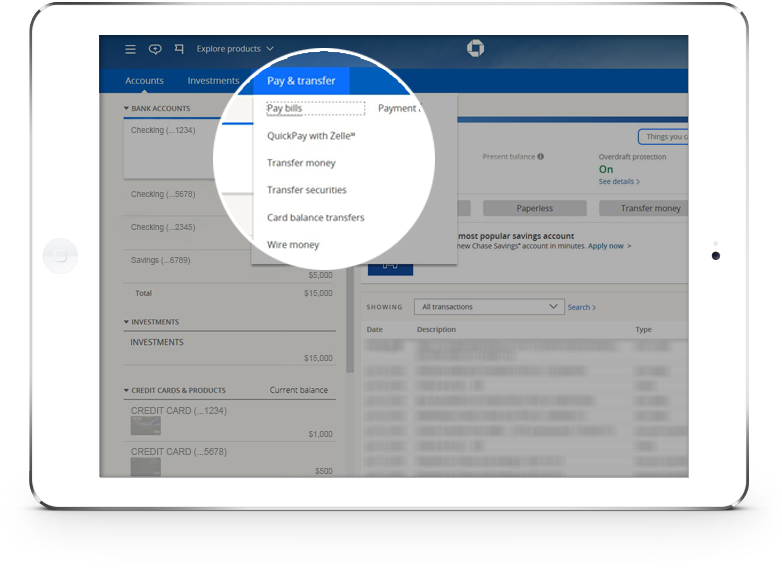
- Sign in to your chase.com account and choose the “Pay & transfer” option, then choose “Pay bills”.
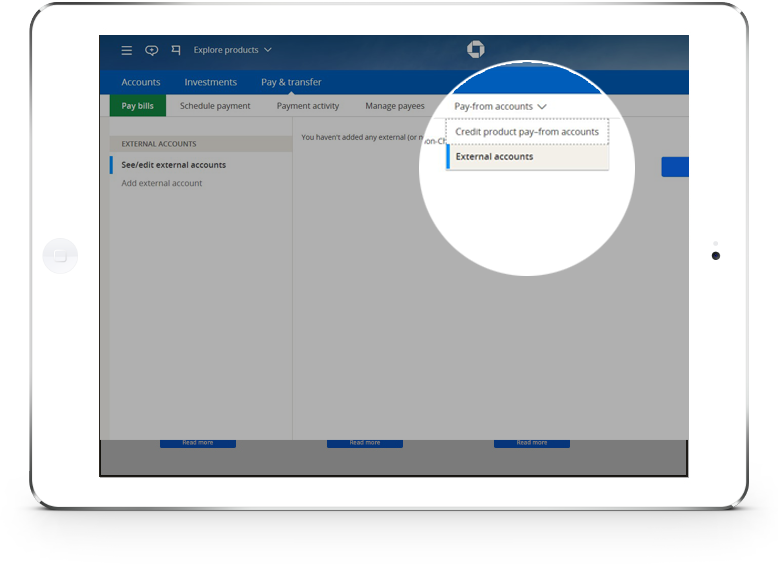
- Choose “Pay-from accounts,” then choose “External accounts”.
- Add the external bank account that you’ll use to make a payment to your Chase mortgage or home equity line of credit.
- On the Chase Mobile® app, tap the top menu button (three stacked horizontal lines in the top left of your screen), then “Transfer Money,” and “Manage External Accounts.” Choose “Add an External Account” and follow the instructions.
Keep in mind:
- You must register your external account specifically for a Chase mortgage or home equity line of credit payment, even if you already use that same external account for payments to other Chase products, such as a Chase credit card.
- You'll be prompted to choose 1 of 2 verification steps but will be able to make a payment the same day.
Show slide 1 of 3, selected 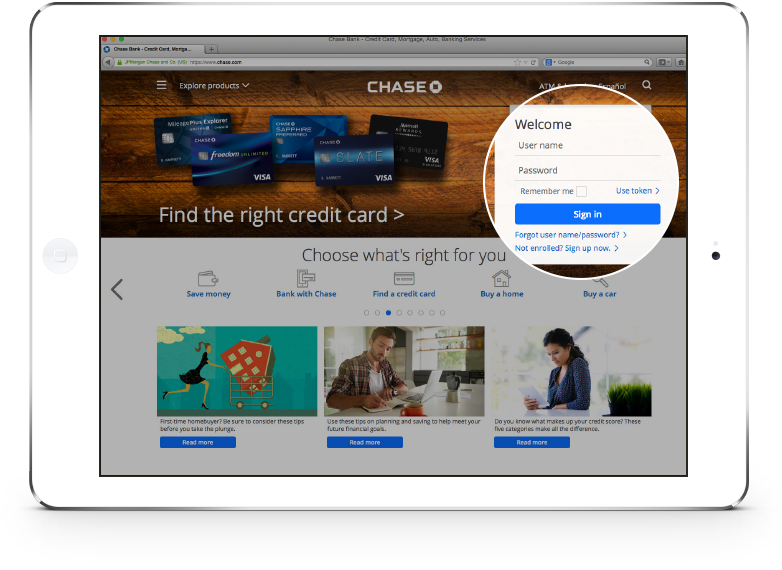
Step 1
Enroll or sign in to your account
Set up a mortgage payment from a Chase account
If you want to make a payment from your Chase checking or savings account, follow these steps:
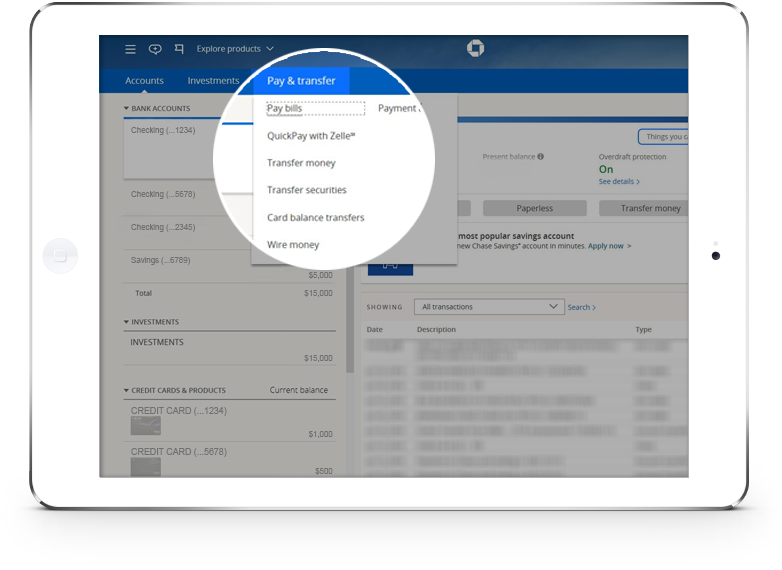
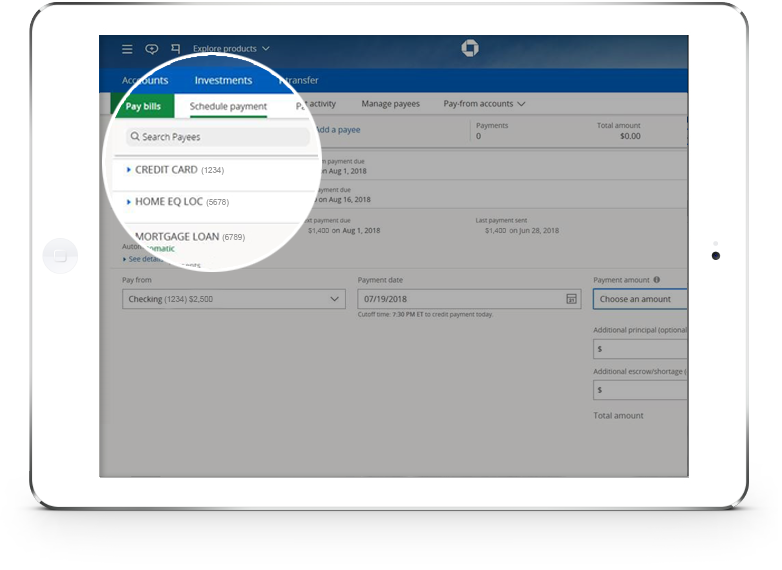
- Sign in to your chase.com account and choose the “Pay & transfer” option, then choose “Pay bills”.
- Choose your Chase mortgage or home equity line of credit account.
- Schedule your payment.
- A confirmation number will appear onscreen indicating your payment has been scheduled; you’ll also receive a confirmation by email.
Show slide 1 of 3, selected 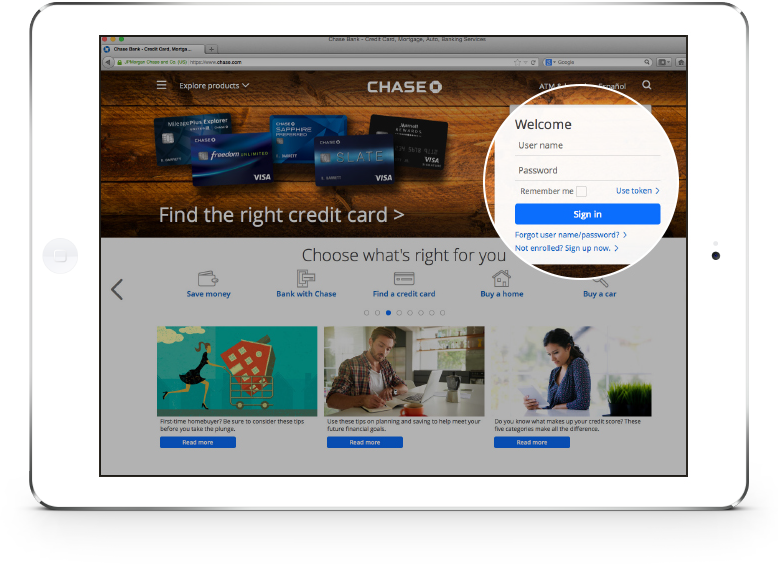
Step 1
Enroll or sign in to your account