Please update your browser.
Alerts: Enroll and personalize alerts
General
Alerts: Enroll and personalize alerts
It’s easy to monitor your account with alerts and notifications. Here’s how:
 After signing in, choose the "Profile icon" in the top right
 Choose "Profile & settings," then choose "Alerts"
 Choose "Manage alerts" and select the accounts you'd like to receive alerts for
 Select your alerts and notification preferences, then choose "Save"
 Add or edit a delivery method under "Delivery preferences"
Do more with the Chase Mobile® app
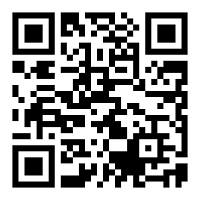
Scan the QR code to download the app to experience convenience and security on the go.