How to use Tap to Pay on Android for small businesses
Simply tap, pay and go. Accept payments at your convenience with just your Android device. Presented by Chase Payment Solutions®.
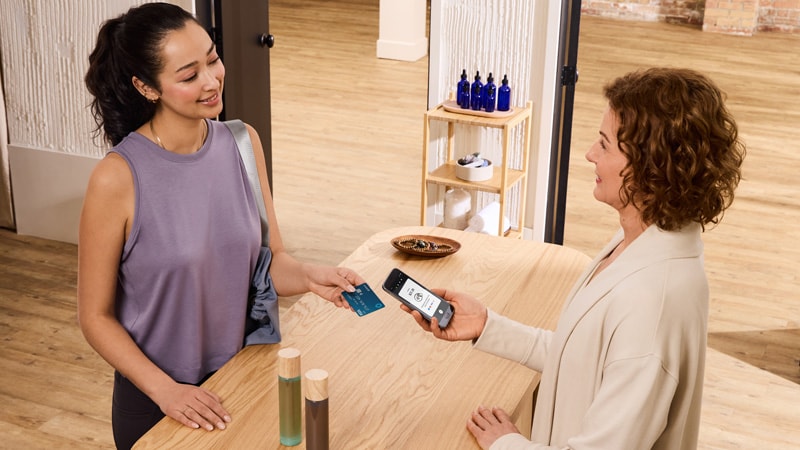
Contactless payments have surged in popularity and adoption due to their speed and convenience. Offering contactless payments delivers benefits to your business and can enhance the customer experience:
- Quicker transactions
- Convenience for your business
- Increase customer satisfaction
What is Tap to Pay on Android for businesses?
Tap to Pay on Android enables small business owners to accept contactless payments from physical debit and credit cards or digital wallets, right on an Android phone or tablet. It simplifies payment acceptance and transforms your Android device into a portable card reader. This point-of-sale solution is ideal for retailers, food and market vendors, and service providers who would benefit from a mobile and flexible payment option.
Tap to Pay on Android benefits
Cost-effective: Choosing the right point-of-sale solution for your business can be time-consuming and expensive. Tap to Pay on Android is an affordable and easy solution for accepting contactless payments, requiring only your Android phone or tablet.
Mobility and flexibility: Accept payments on the go with Tap to Pay on Android. If you're just starting your business, you can use it as the primary way to accept payments. Or, if you're a scaling business and seek more ways to accept card payments, Tap to Pay on Android can be used as an additional solution beyond your existing card readers or terminals.
Customer satisfaction: Instead of spending time connecting your card reader to your phone or manually entering credit card information, you can reduce customer wait times and streamline the checkout process by using Tap to Pay on Android for your small business.
How to set up Tap to Pay on Android for your business
This feature is available to merchants with a Chase for business checking account and is built into the Chase Point of Sale (POS)℠ app. To activate Tap to Pay on Android, sign in to the Chase POS app and “start a new sale”. When the payment option screen appears, select “Tap to Pay on Android”. Once activation is complete, you can begin using Tap to Pay on Android.
How to use Tap to Pay on Android
Follow the steps below to take your first transaction:
- Follow the prompts in the Chase POS app to enable “Tap to Pay on Android”.
- Proceed with checkout as usual by entering the purchase amount or selecting a product from your catalog.
- Select “Tap to Pay on Android” and present your Android device to your customer.
- The customer holds their contactless card horizontally to the back of your device. If paying with a digital wallet, your customer will hold their device near the back of your phone.
- When you see the “done” check mark, the transaction is complete.
Note: To verify whether your tablet or smartphone is compatible, visit our support page for up-to-date information on what devices are eligible.

Why should I use Tap to Pay on Android through Chase?
Chase provides integrated payments and banking solutions to help you grow and scale your business. Plus, get fast funding with as soon as same-day deposits, to better manage cash flow, and powerful analytics like Chase Customer Insights to help you make the best next move for your business. Learn more about Tap to Pay on Android by visiting our site.
Frequently Asked Questions
Are transactions using Tap to Pay on Android secure?
Chase’s security, industry-leading systems and Fraud Protection Services help keep your payments reliable, safe, and secure.
Which Android devices support tap to pay for business use?
Android devices with near-field communication (NFC) technology and Android OS 11.0 or above are compatible. Not sure if you have NFC? Go to your device’s settings, search for “NFC” and turn it on. If you don’t see the option, your device cannot take Tap to Pay on Android payments.
Are there fees for using Tap to Pay on Android for businesses?
There are no additional fees. Only a standard card payment processing fee of 2.6% + 10 cents will apply.
Do I need a special merchant account to accept Tap to Pay on Android?
Any merchant enrolled in Chase QuickAccept®, can activate Tap to Pay on Android in the Chase POS app.
Can I accept multiple cards and payment apps from customers with Tap to Pay on Android?
You can accept many contactless payment types, including contactless cards and digital wallets. Most major card networks can be accepted using Tap to Pay on Android – Visa®, Mastercard®, American Express®, JCB and Discover®.