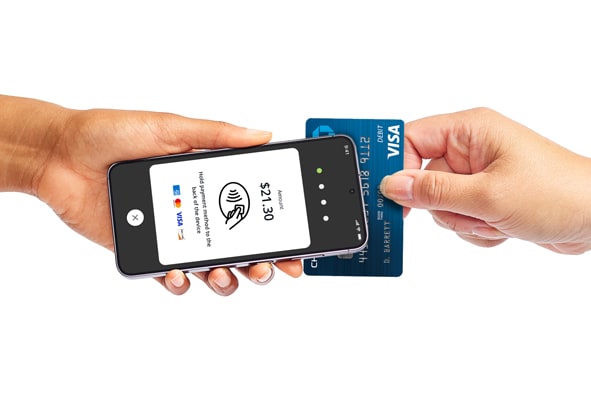
Tap to Pay on Android support
Get help with taking contactless payments in-store or on-the-go – all without the extra hardware.
Available on Android with the Chase POS℠ app
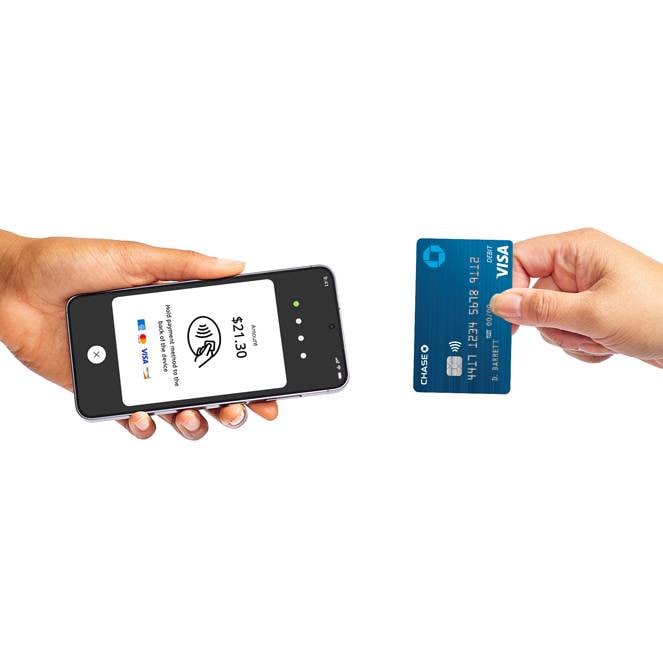
Meet Tap to Pay on Android
Tap to Pay on Android is a business payment solution available through your Chase Business Complete Banking℠ or your Chase Payment Solutions account. You can accept contactless cards and digital wallets using your smartphone or tablet – no additional hardware required. Tap to Pay on Android in the Chase POS app app is easy, private and secure.
Start using Tap to Pay on Android in three easy steps
Accept contactless payments anytime, anywhere with only an Android device.
1
Enroll in QuickAccept®
Using your bank account, enroll in QuickAccept on chase.com or in the Chase Mobile app. Visit this page to learn how to do it.
2
Get the Chase POS app
Download the Chase POS app if you haven’t already and sign in. Go here for app setup instructions.
3
Activate Tap to Pay
Follow the instructions in the app to activate Tap to Pay on Android and start accepting payments with this method.
How do I activate Tap to Pay on Android?
After activating QuickAccept on your account, follow these steps in the Chase POS app:
- Log in to your account using the Chase POS app on your Android device
- Start a New Sale using your Cart
- On the payment methods screen, choose Tap to Pay on Android
- Choose Activate now on the pop-up below
- Wait a few minutes for activation to complete and continue with checkout
Note: Once Tap to Pay on Android is activated in the Chase POS app, you’ll be able to use it as a payment option. If a user deletes the app and re-installs it from the Google Play store, Tap to Pay on Android will need to be reactivated from the Accept a payment screen.
Tap to Pay on Android FAQs
Explore frequently asked questions to learn how to get the most out of Tap to Pay on Android.
You can accept all contactless payment types, including contactless cards and digital wallets.
You can accept all major card networks using Tap to Pay on Android – Visa, Mastercard, American Express, and Discover.
Anyone enrolled in QuickAccept® can activate Tap to Pay on Android in the Chase POS app.
Only standard transaction fees will apply. There are no additional fees to use Tap to Pay on Android.
Tap to Pay on Android is available as a payment option in the latest Chase POS app for Android.
Currently, Tap to Pay on Android will only work on the first business activated on your device in the Chase POS app. If you have another business and try to log in, you will receive an error message when attempting to use Tap to Pay on Android.
Note: If you'd like to use the same device for another business, you can delete and reinstall the Chase POS app to activate Tap to Pay on Android on your other account.