
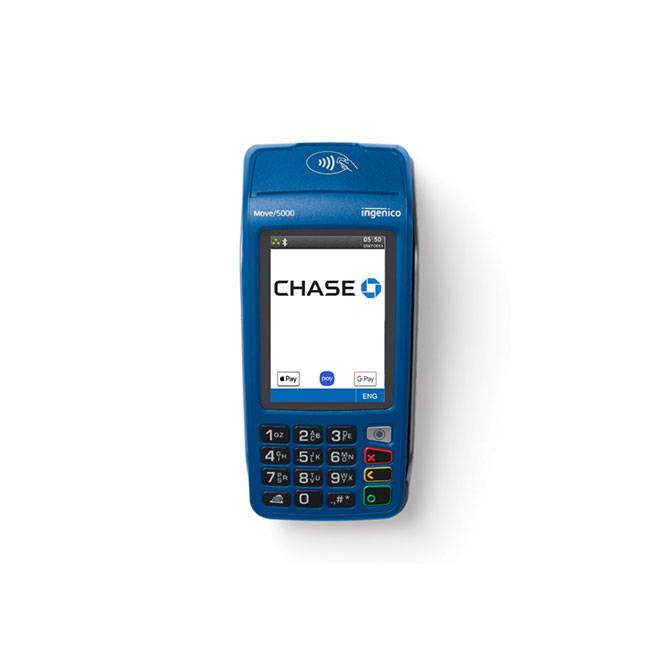
Move/5000
status
Get the details on your device so your business can stay up and running.
 Issues reported
If you're experiencing issues settling your batch and receiving Error 517, follow these steps to resolve the issue:
- Press the “#” key
- Enter your Admin username and password
- Choose Setup Menu
- Enter your Manager/Supervisor username and password
- Choose Communications
- Choose Ethernet
- Choose Host Setup, then Chase
- Choose Host URL 1
- Change the URL to NETCONNECTKA2.CHASEPAYMENTECH.COM
- Press the green key to save
- Reboot your terminal (yellow and “#” key)
- Complete a test sale/settlement to confirm your device is working as expected